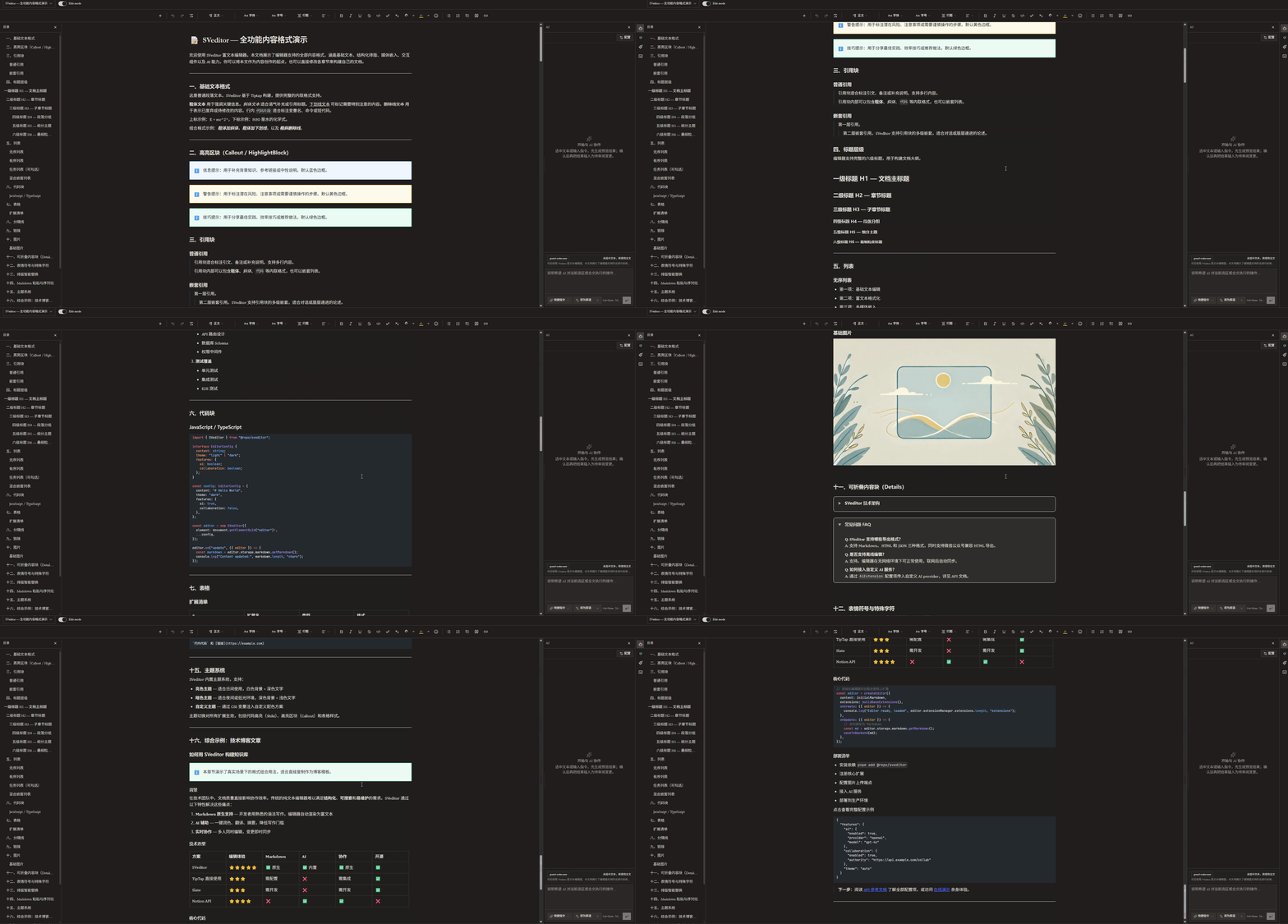
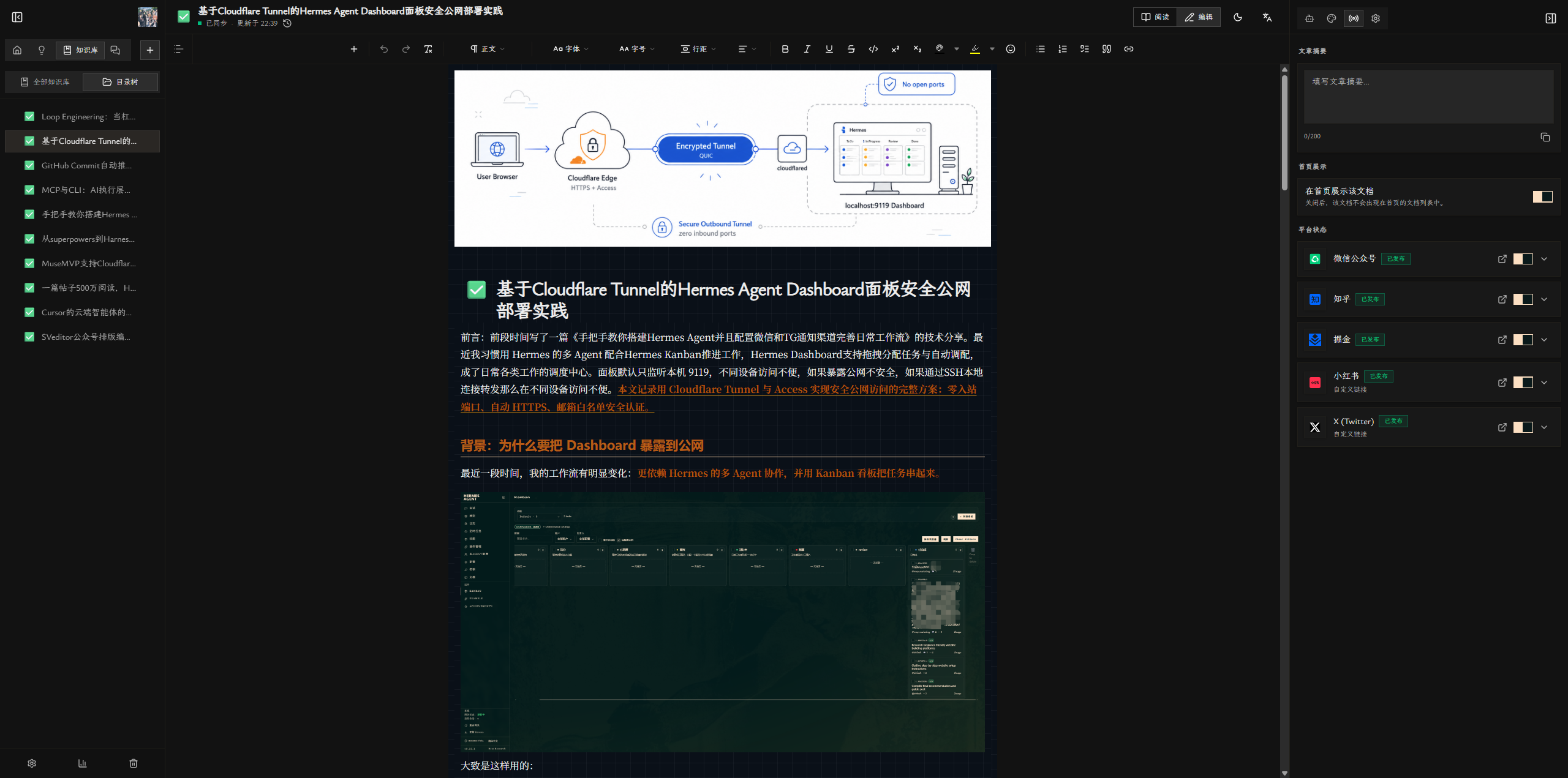
Ideas leak everywhere
Stuck in notes, gone when you sit down to write
From topics, writing, and AI collaboration to full-format publishing and post-launch review — the ops-first creation platform for multi-platform creators.
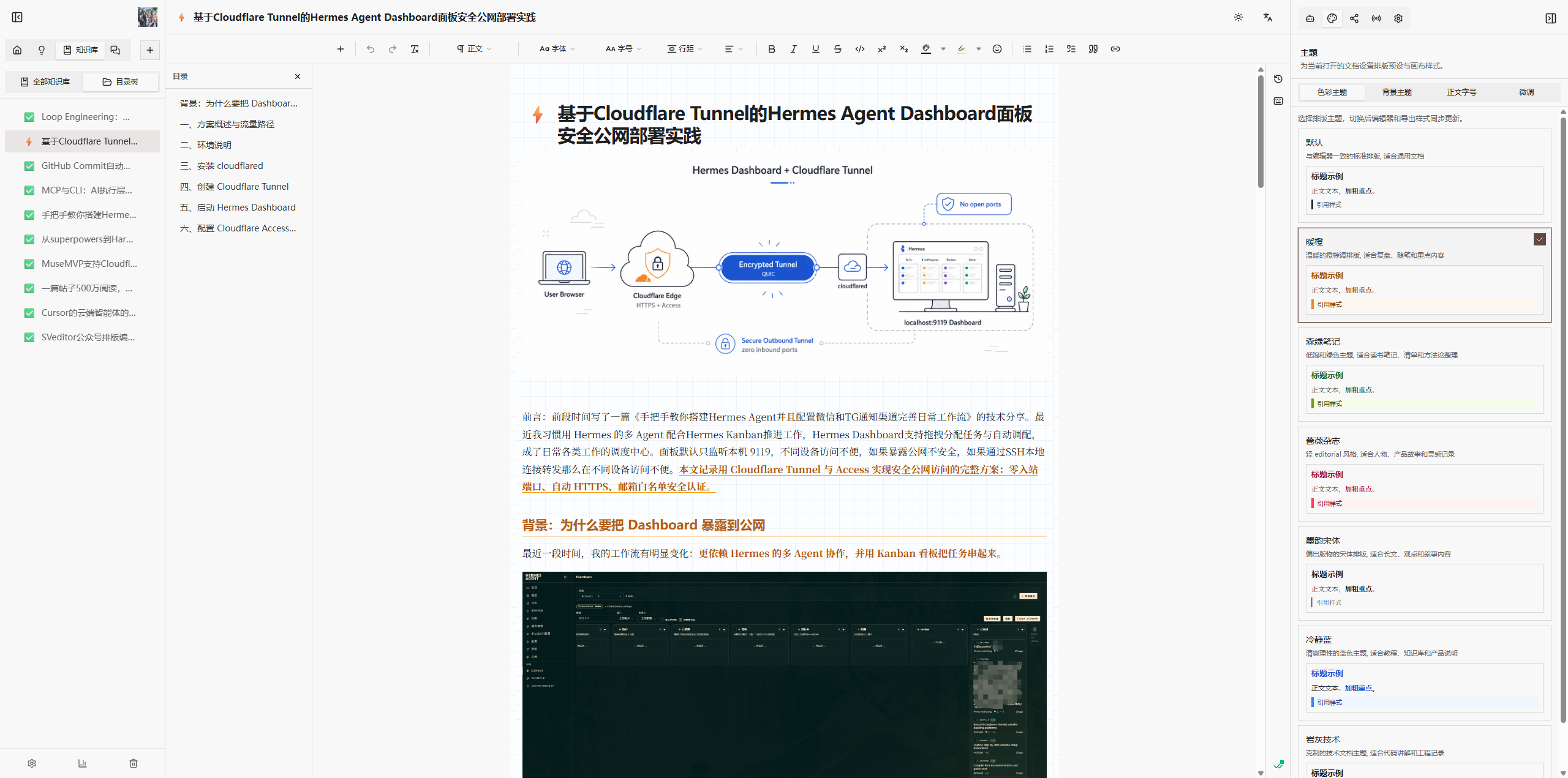
Just getting it published drains the energy you meant for the work itself.
Stuck in notes, gone when you sit down to write
The idea isn't clear yet, but format already interrupts
One draft, endless copy-paste until your hands hurt
Where it went live, what's still missing — all in your head
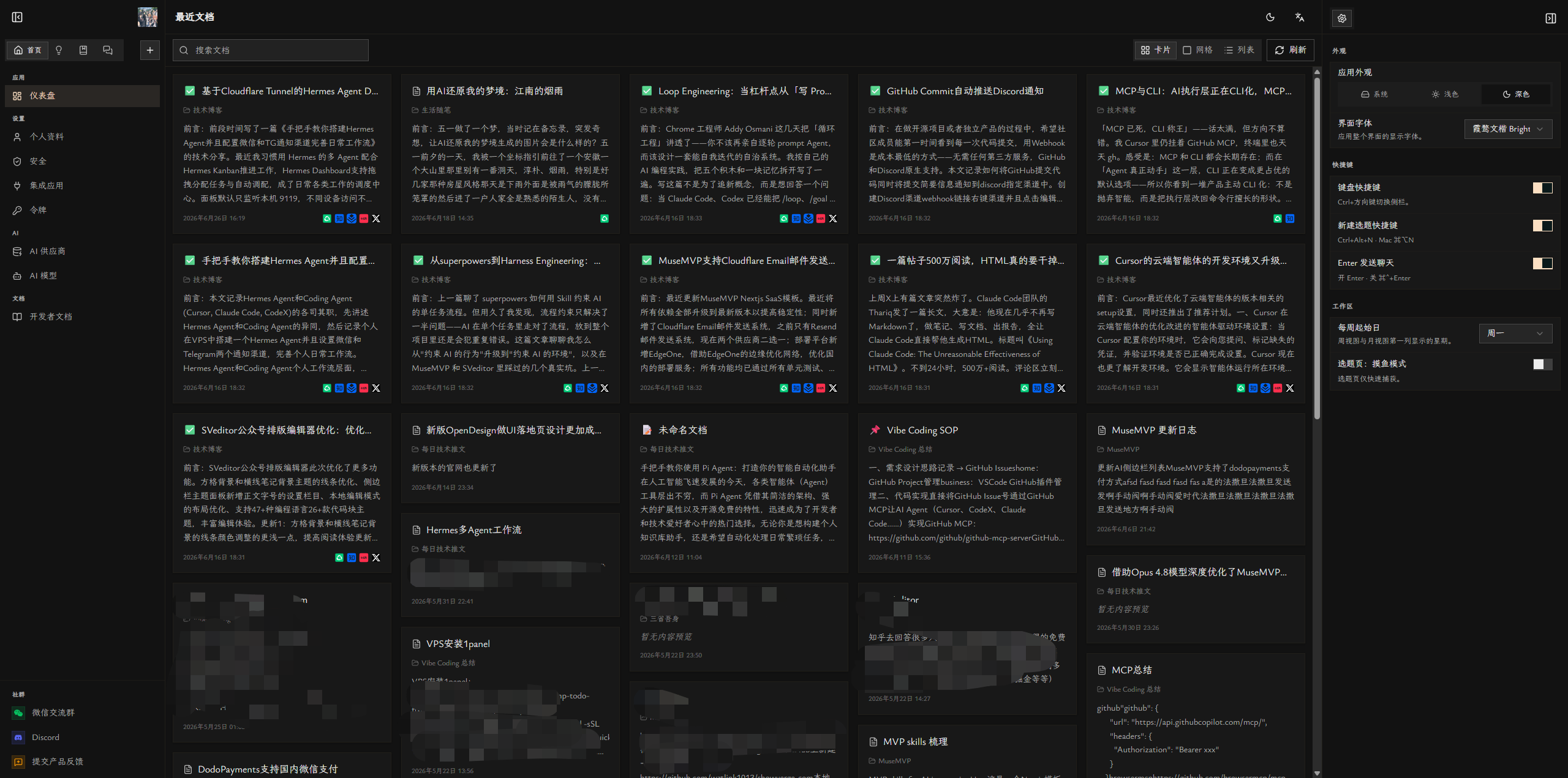
Canto workspace
MuseCanto is a master-draft workspace plus creator ops system — one continuous line from inspiration to review.
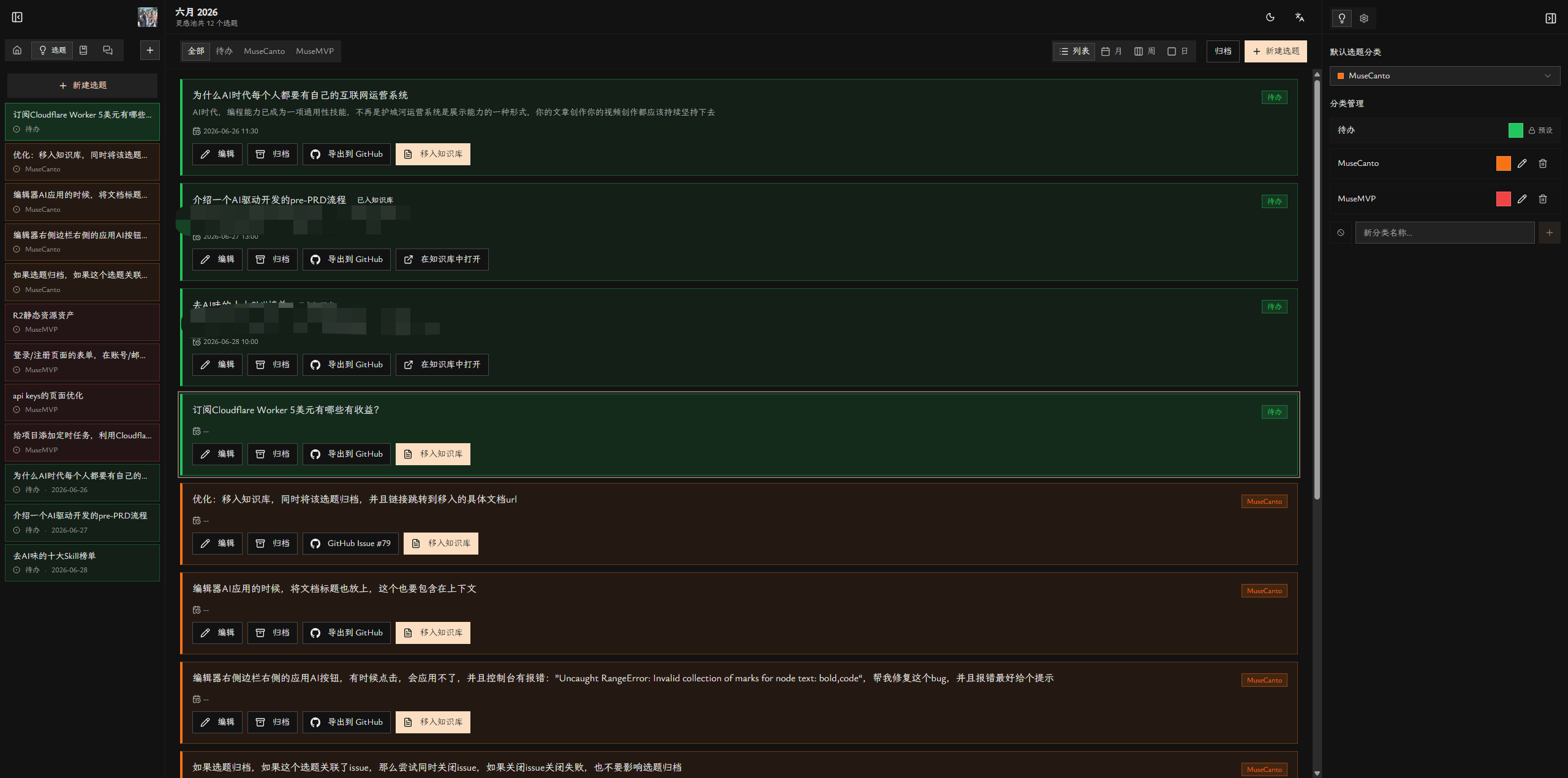
Idea pool, calendar scheduling, move into books.
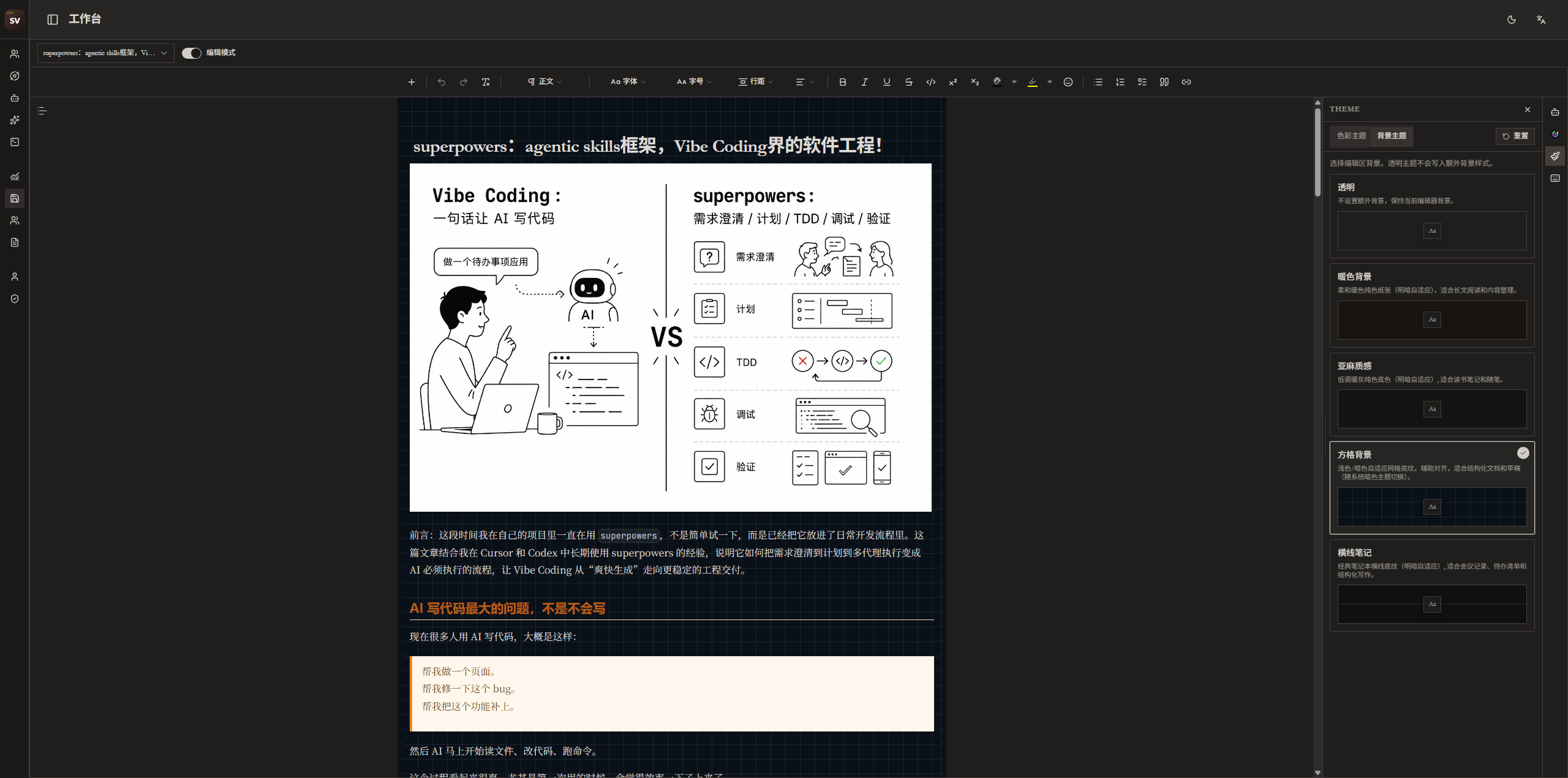
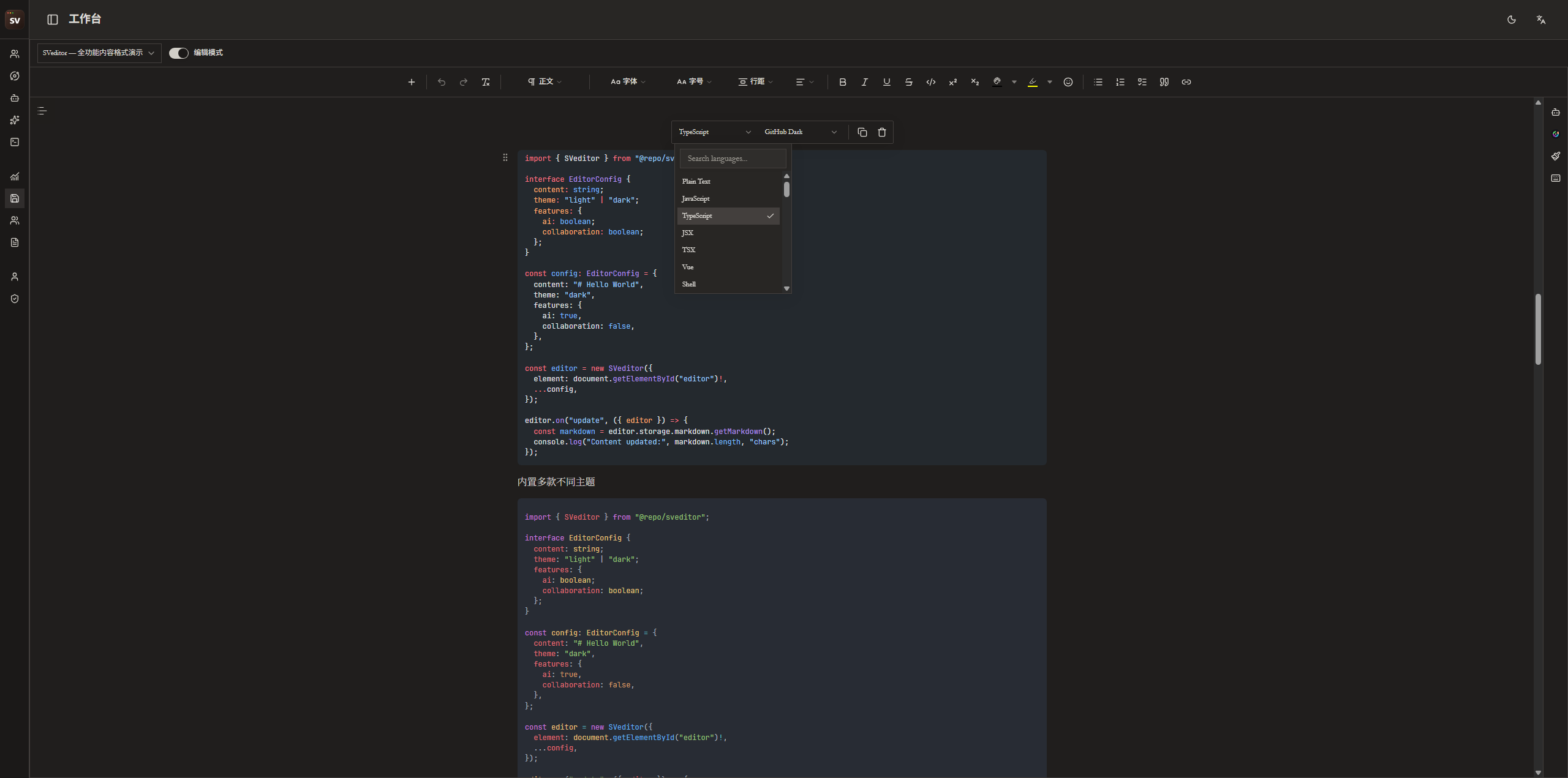
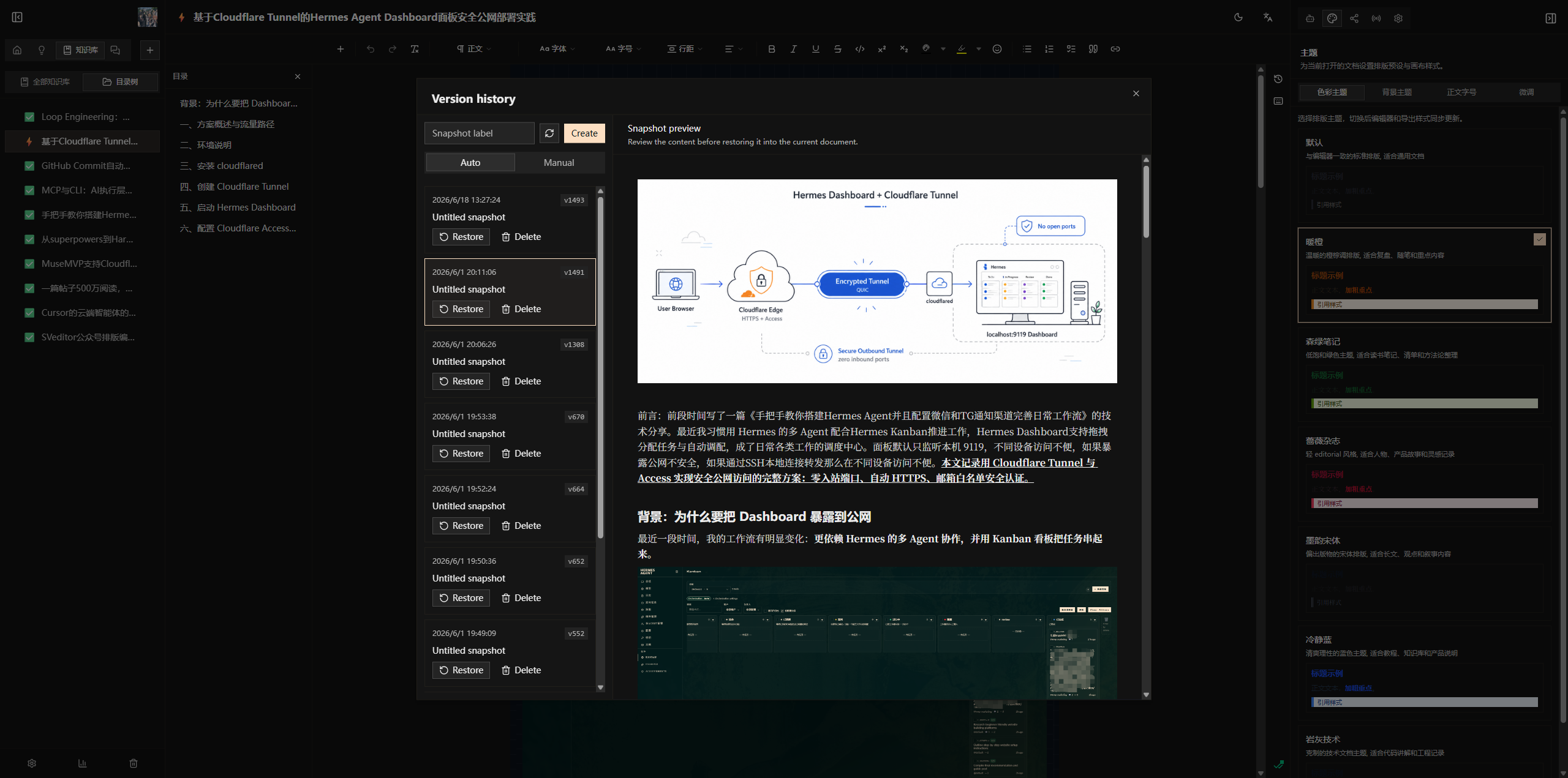
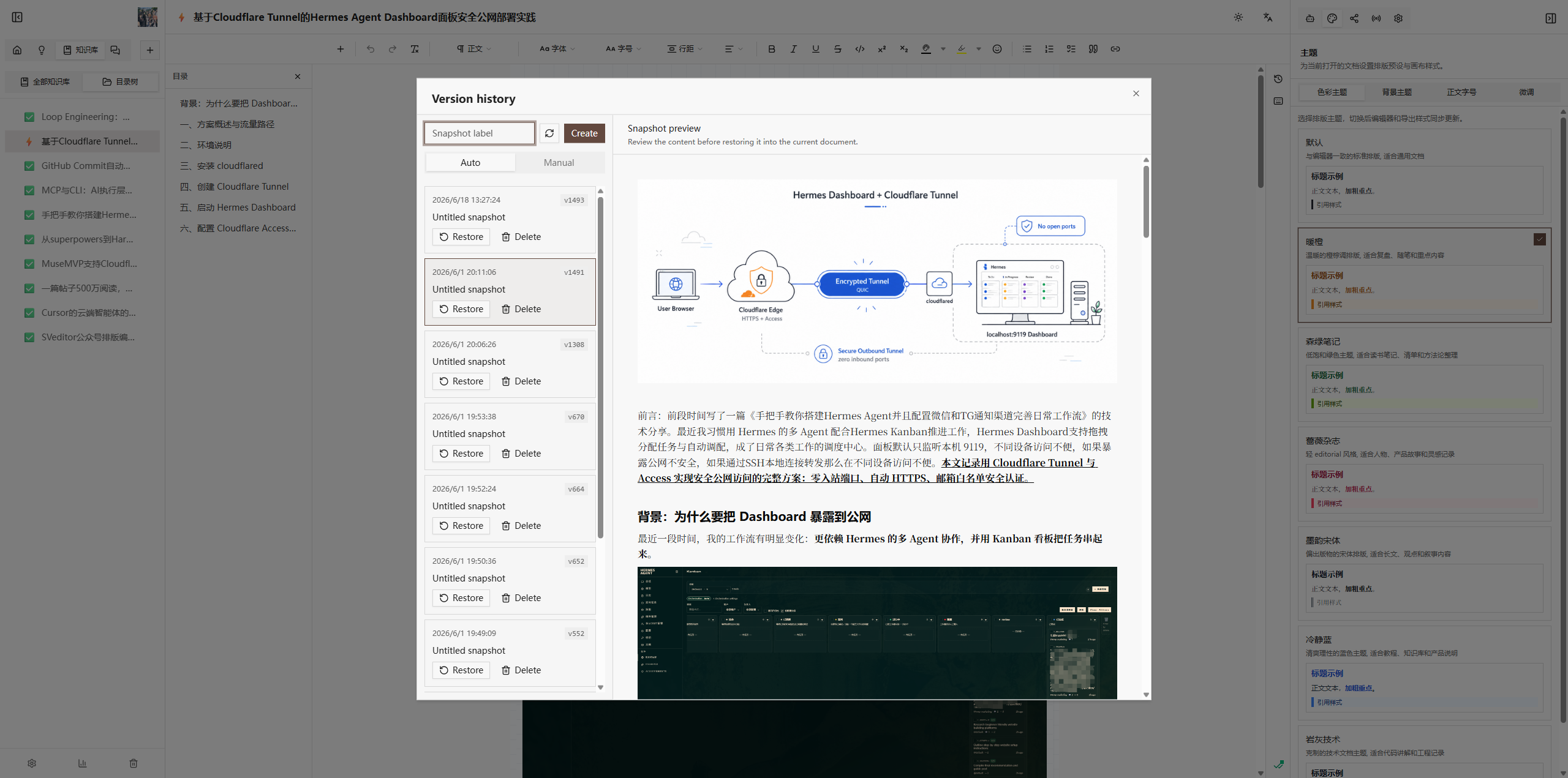
Rich text, themes and Shiki, version history and collaboration.
WeChat HTML/Markdown copy-ready output plus browser extension publishing.
Track five platforms, links, notes, and feed the next topic round.
In-doc rewriting plus a dedicated chat desk with your own providers.
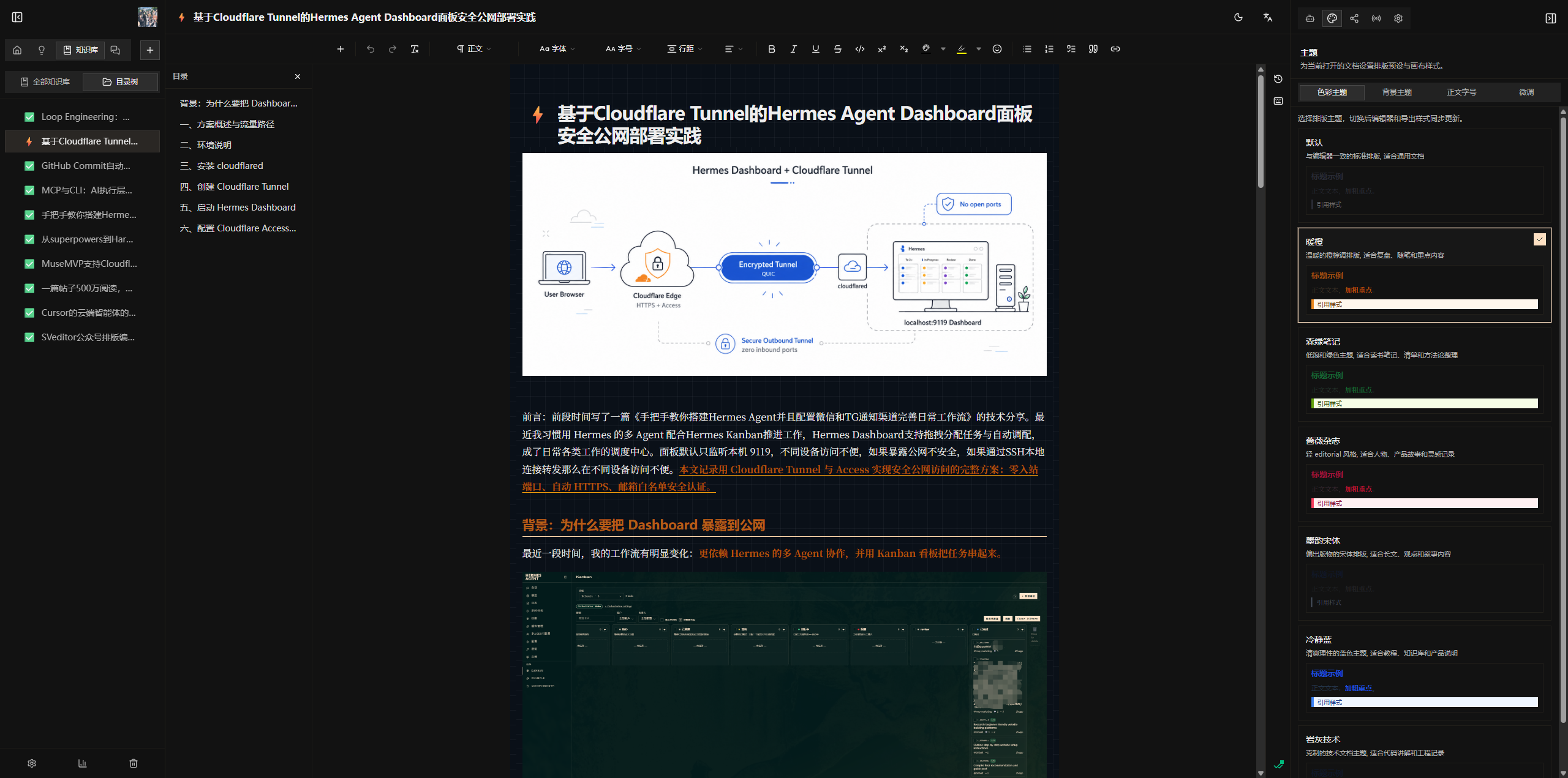
Creation Desk
Rich text, themes and Shiki, version history and collaboration.
AI partner across the whole line
Designed for creators who care about quality
The tone is restrained on purpose: fewer noisy prompts, clearer publishing states, and AI that supports the author instead of replacing the author.
Advanced: Open API supports book import/export today; Skills/MCP direction is opening up.
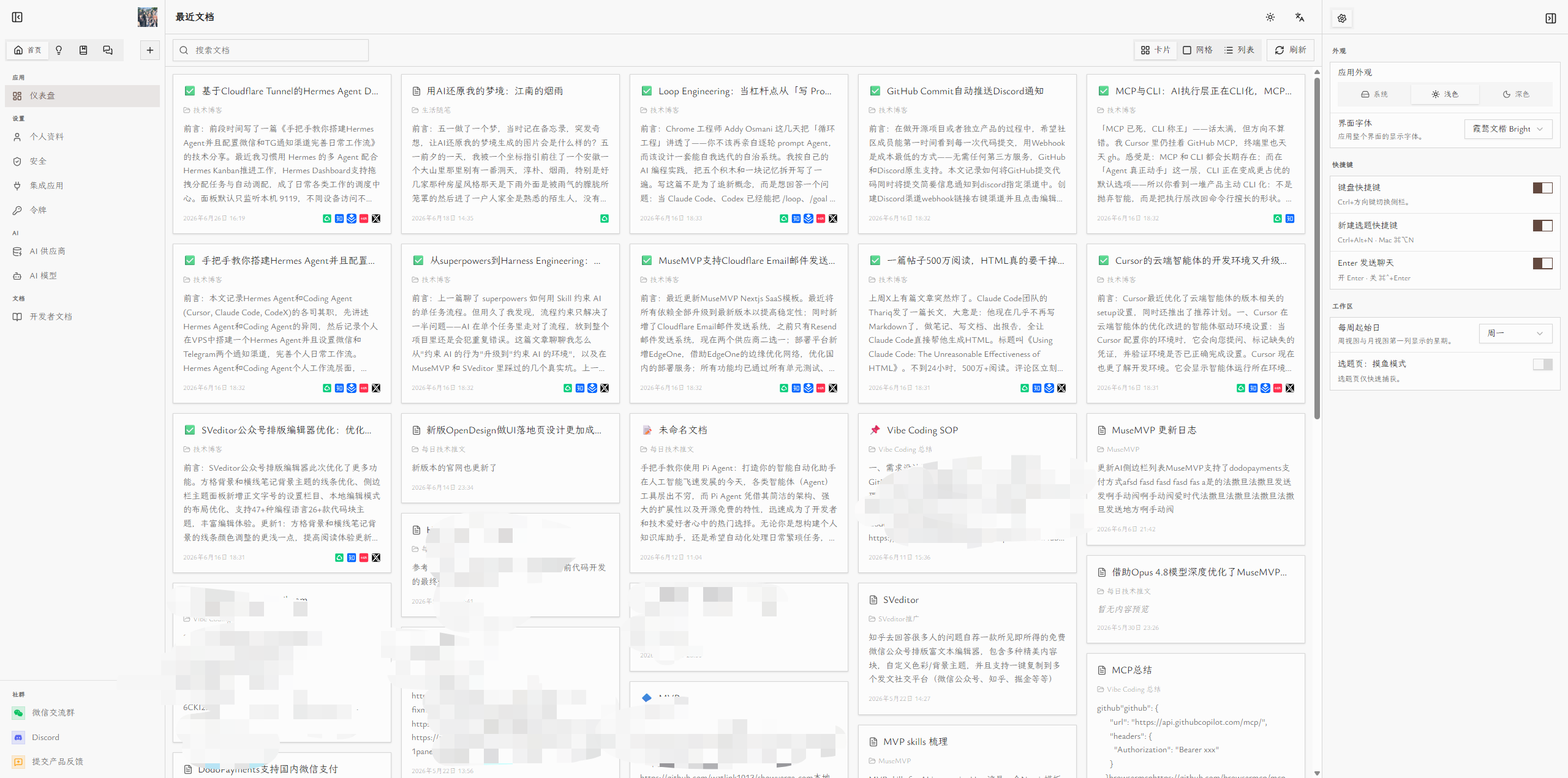
Inspiration Desk
Capture topics fast and use the calendar to see when to write and when to publish.
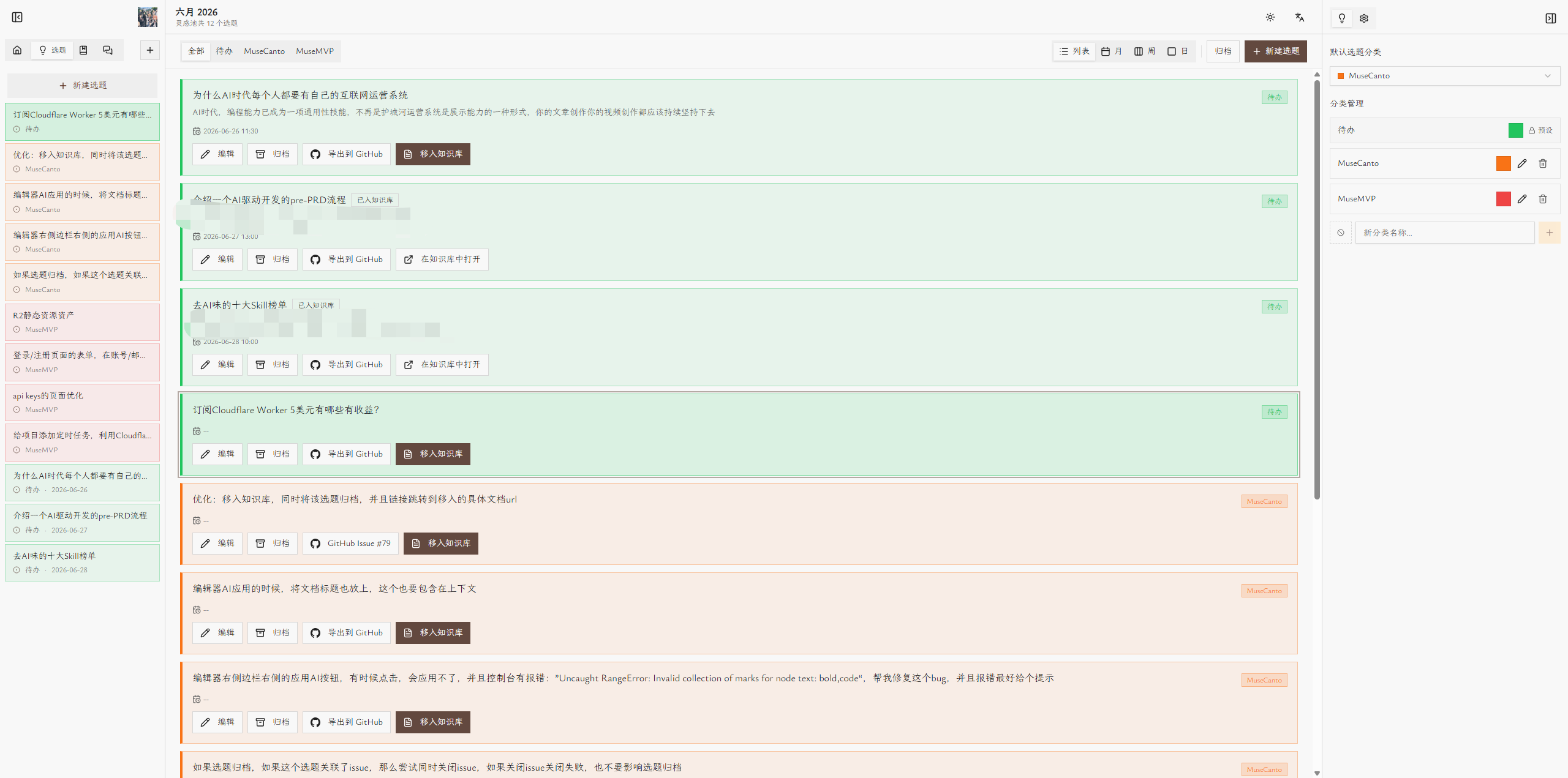
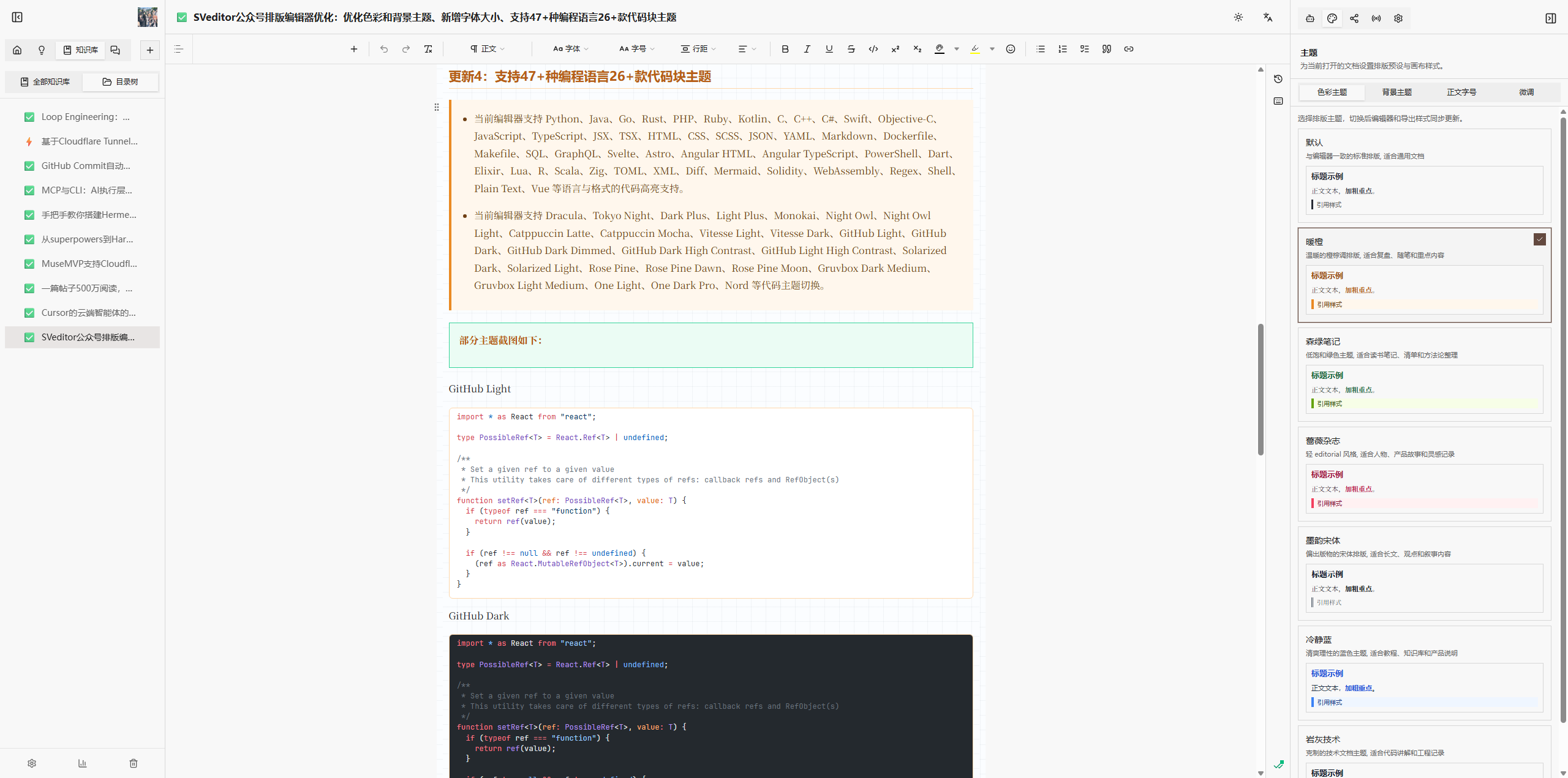
Creative editor
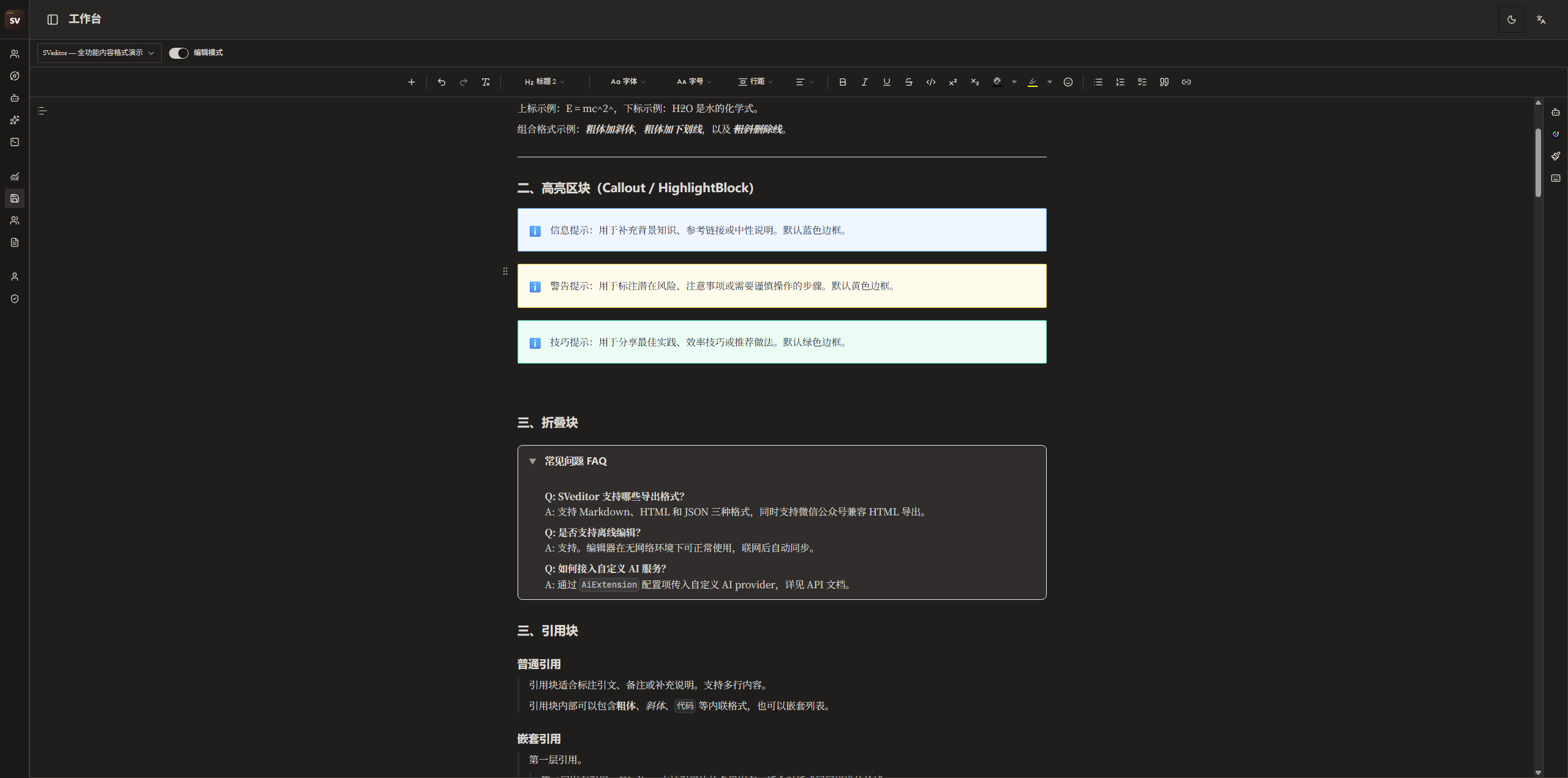
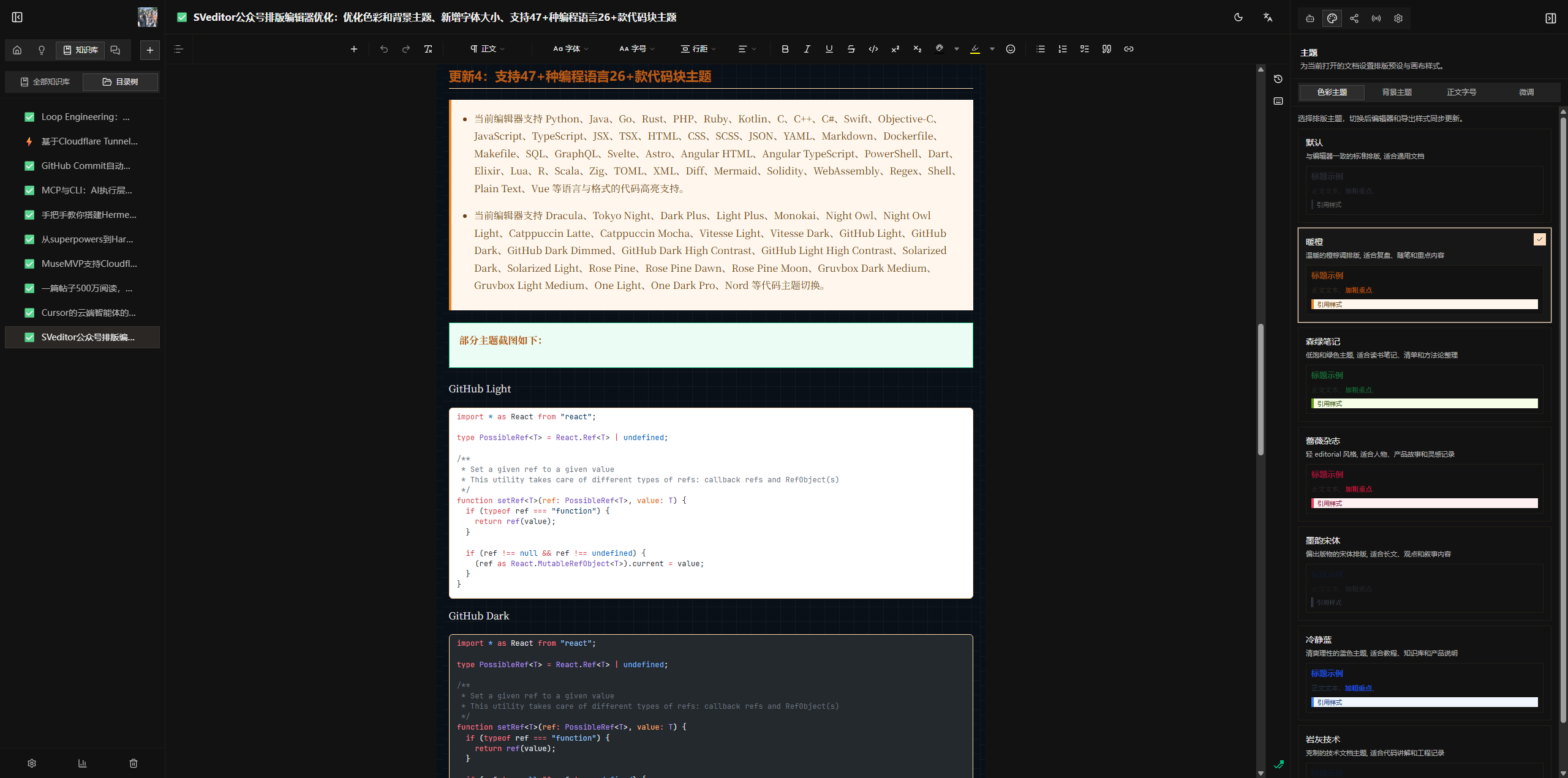
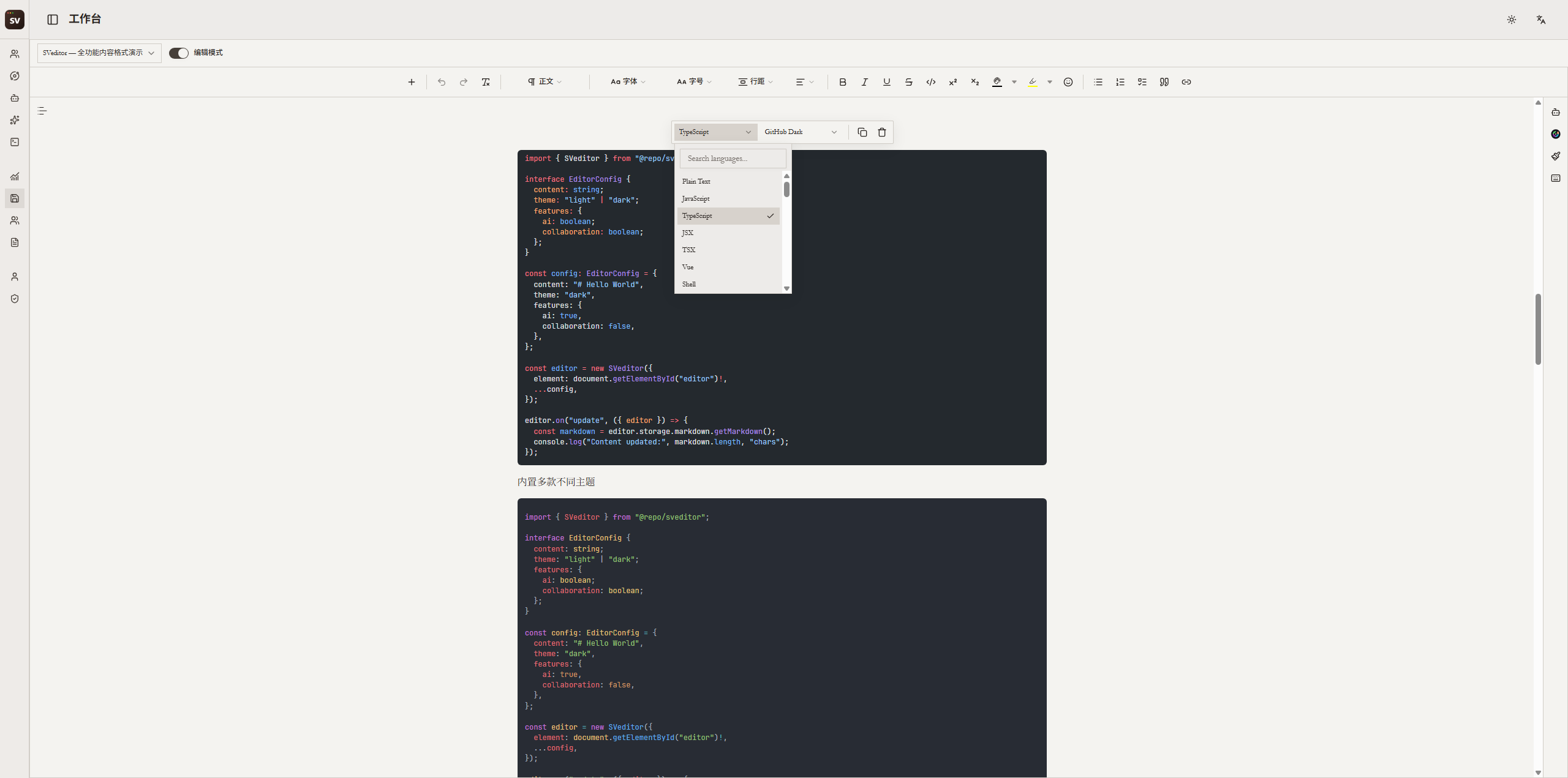
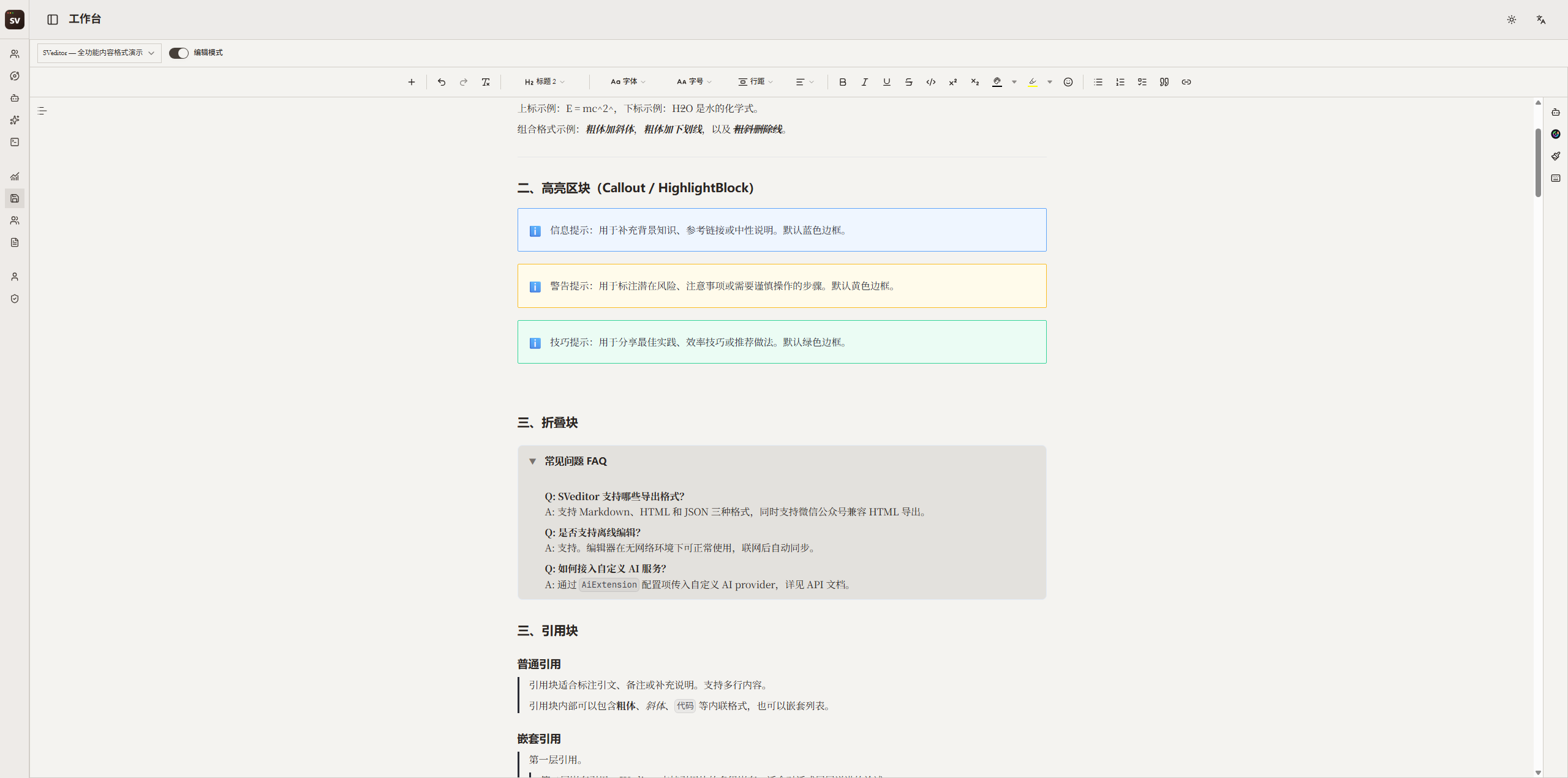
From themes and Shiki code blocks to callouts, version history, real-time collaboration, and polished custom nodes — layout and teamwork in one editor.
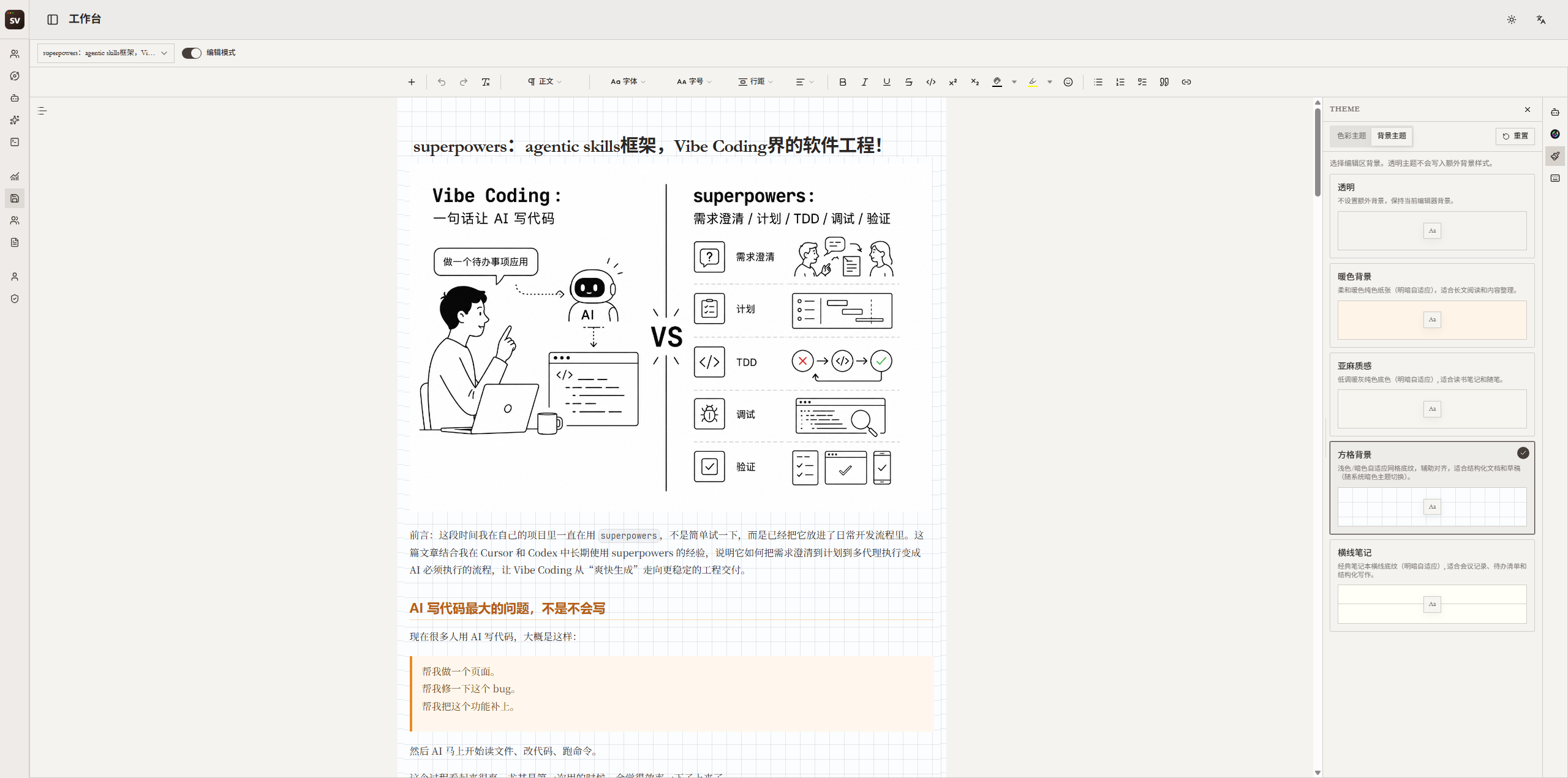
Publishing Desk
From writing to full-format copy, browser extension publishing, and AI assistance — the publishing flow stays in one workspace.
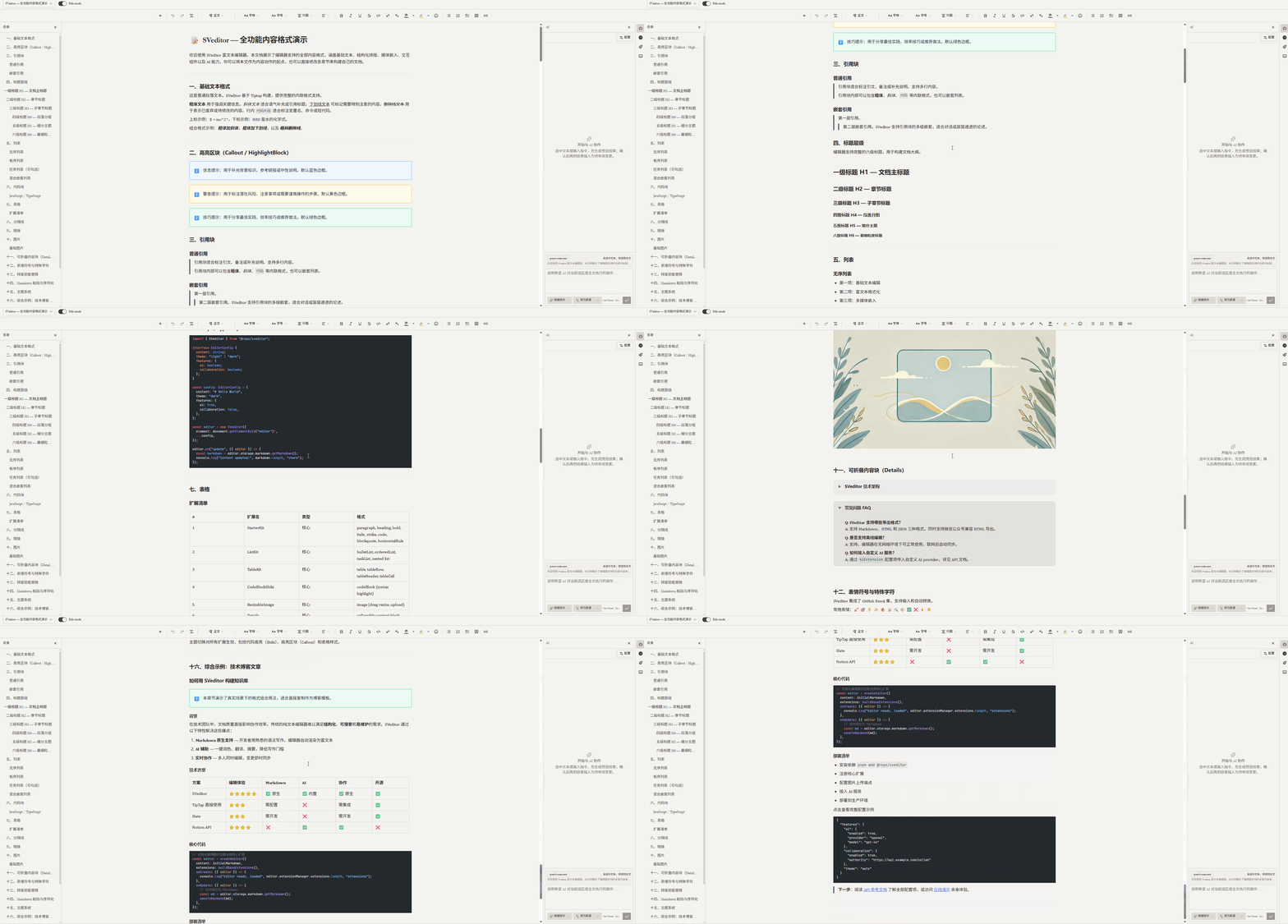
WYSIWYG editing with headings, quotes, code blocks, callouts, and collapsible blocks, so long-form writing is both easy to write and good to read.
One source doc, copied in a single click with formatting fully intact, pasted straight into WeChat, Xiaohongshu, Zhihu, Juejin, and X. No more manual re-layout per platform.
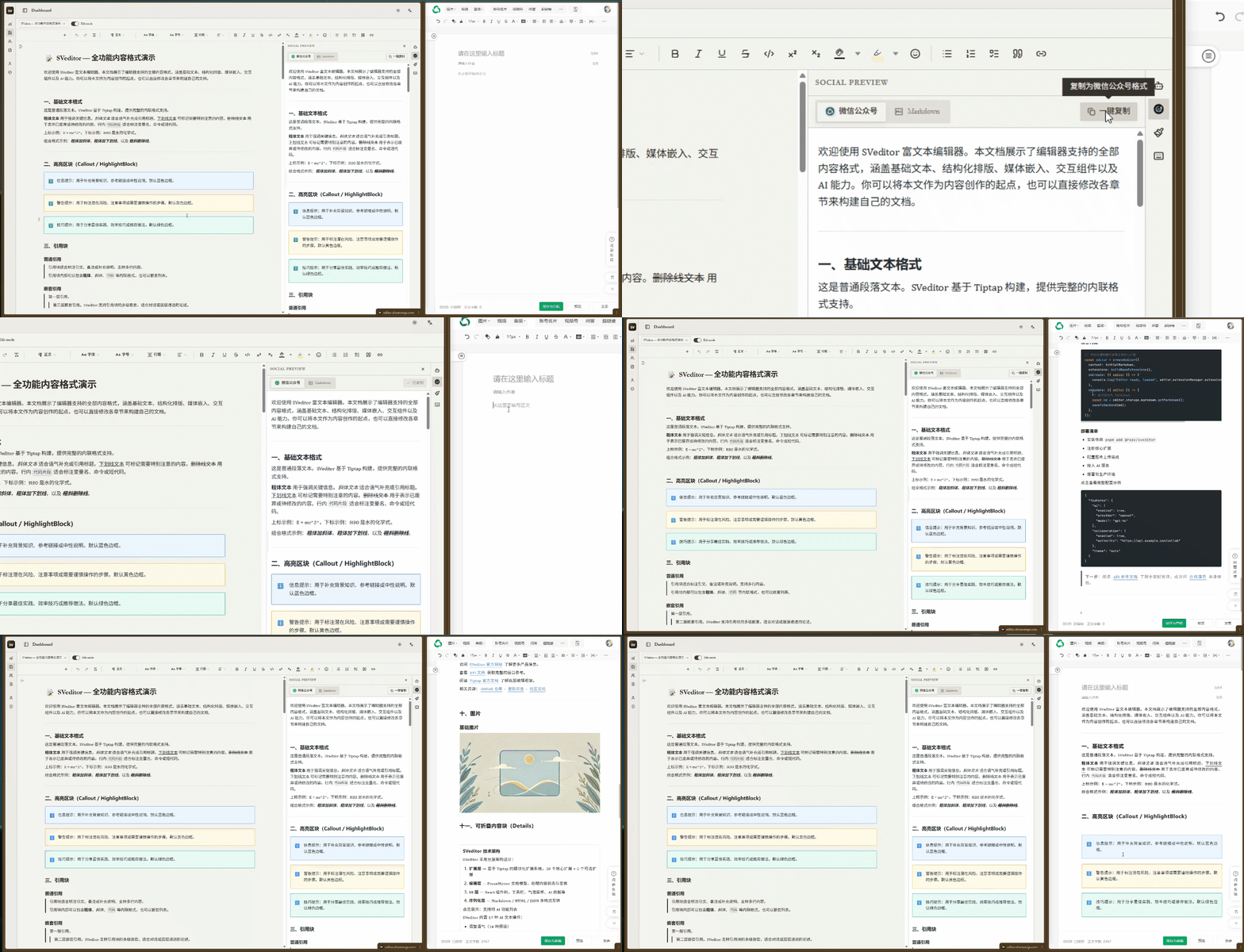
Install the extension for WeChat, Zhihu, and Juejin auto-fill — move from copy-paste to semi-automated publishing.
Use the built-in AI models or bring your own API key and provider. You are never locked into a single AI vendor.
Review Desk
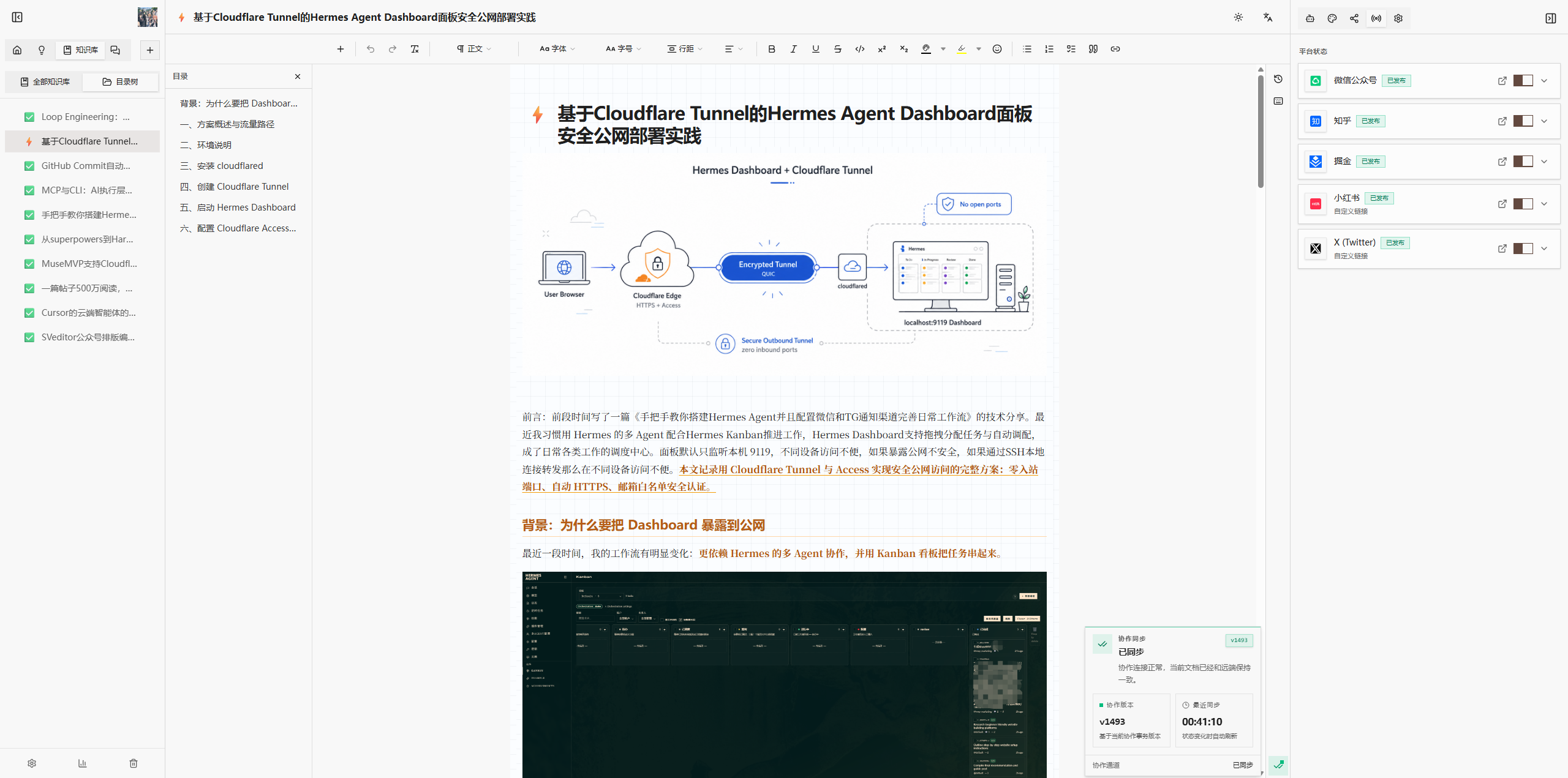
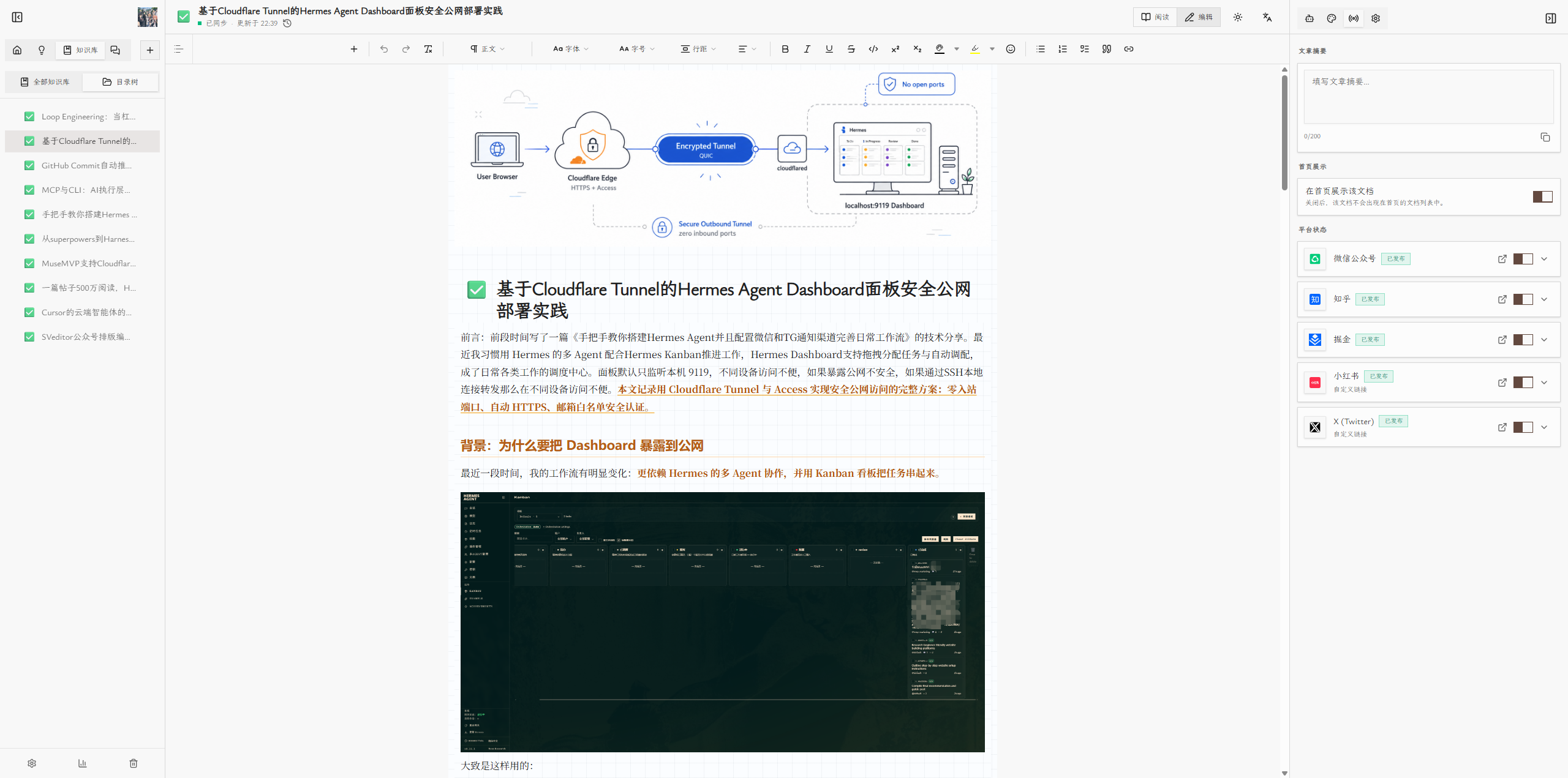
Open any document and use the Operations panel on the right to track publishing status.
Past work stops becoming a graveyard — the next topic round has evidence.
Publishing map
MuseCanto does not position itself as another single-purpose editor. It gives creators a home base for adapting one idea into the formats each channel expects.
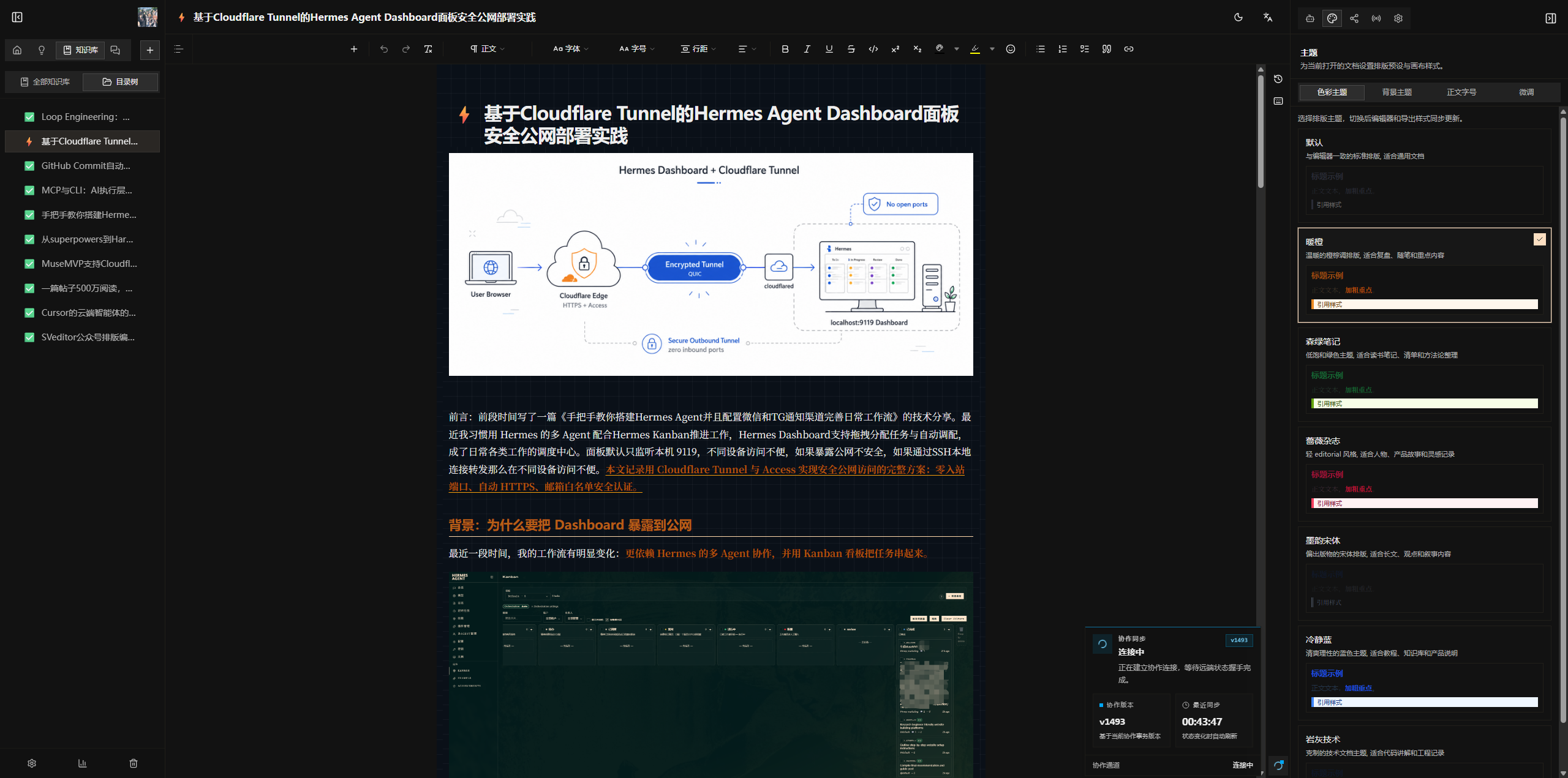
Color themes, background themes, and layout preparation help a long article look intentional before it leaves the editor.
Turn the core essay into an X thread, a Xiaohongshu note, or a concise platform summary without rewriting from zero.
The operations panel tracks where a document has been published so follow-up work has a real source of truth.
Content creators across every field use MuseCanto to connect writing and multi-platform publishing into one line.
Tech blogger
“The topics calendar finally tells me what to write next week instead of digging through three note apps.”
Indie developer
“One master draft copies to WeChat with formatting intact, and the extension fills Juejin for me.”
Content ops
“The operations panel shows which piece still hasn't gone to Xiaohongshu — review finally has a source of truth.”
Product manager · FlowStack
“Topics mature in the inspiration desk, then move into books — the whole line stays connected.”
Knowledge creator · Mingyue Studio
“Calm UI, natural AI, and topics plus writing plus publishing in one place brought my rhythm back.”
Newsletter writer · Deepdive Weekly
“One source doc, copy once, and the full formatting lands cleanly across every platform.”
Write every chapter
MuseCanto is in open beta and free for now. Built for creators who publish seriously across channels, so the full path from inspiration to review feels like one coherent workspace.
Creators coming over from SVeditor are already here. Scan to join the WeChat group, or follow the official account for updates and layout tips.