Gallery docs
Keep a set of images in the library with a hero preview, filmstrip, cover, and prompt.
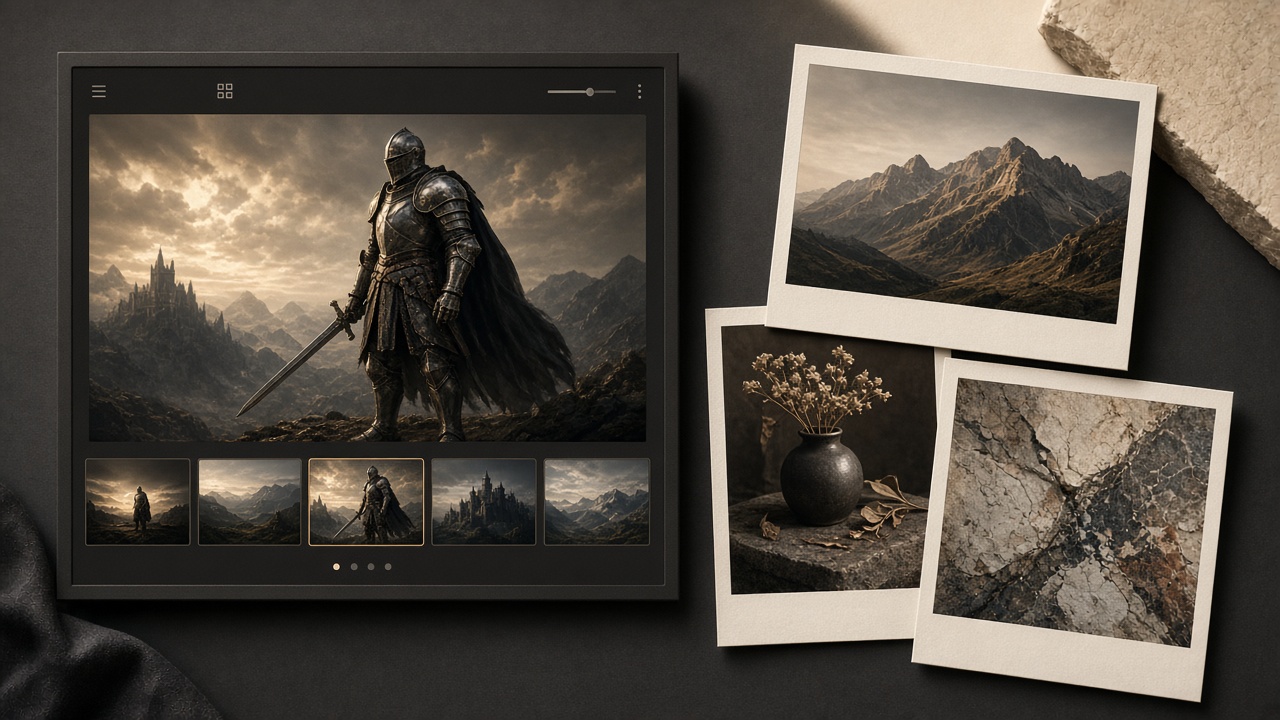
A gallery is a third document type in the library, alongside articles and X posts. It is not a rich-text page stuffed with images. It is a dedicated surface for one set of pictures: a hero image, a filmstrip, a cover, and a prompt.
Use it for:
- Generation logs: keep the prompt next to the outputs
- Visual series: character sheets, frames, cover candidates
- Portfolios: a finished set that does not need to be an essay
Galleries do not ship through the browser extension and have no social preview. To publish to WeChat or X, use an article or an X post.
Create a gallery
In the library tree, choose New gallery (not New document). The default title is “Untitled gallery”; rename it to something short.
The same tree can hold articles, galleries, X posts, and folders. Gallery nodes are labeled so they do not look like essays.
Read and edit
Read and edit share one layout:
- Title and description: keep the title short; use the description for one sentence about the set.
- Hero image: the selected image shows at full size, uncropped.
- Filmstrip: thumbnails under the hero switch the selection. In edit mode you can drag to reorder.
- Cover: star an image to use it as the cover in the tree and lists.
- Prompt: visible only while editing. Paste the generation prompt here — up to 20,000 characters.
Each gallery holds at most 20 images. Remove ones you do not need before adding more.
How cover works
If you never star a cover, the first image is used. If you delete the cover image, the first remaining image becomes the cover.
Versus articles and X posts
| Article | Gallery | X post | |
|---|---|---|---|
| Surface | Rich text | Hero + filmstrip | Thread editor |
| Typical use | Essays, guides | Image sets and prompts | Short posts and threads |
| How it ships | Browser extension | Does not ship | Official API, now or scheduled |
If the piece must leave as “pictures plus copy”, put the images in an article, or keep the gallery as an archive and write a separate article to publish.